
Although SOTA is not a contest, all involved agree that the points scheme and fun awards we have adds to the fun of chasing and activating. Although we may not agree about how some summits get more points than others, it never stops us from hiking, activating, chasing, working on completes and summit-to-summits.
Every other year, some of the management team come up with a “challenge” for that year to add to the fun. Although you don’t have to participate, you might try one from time to time. I had a blast doing the 10m challenge in 2024.
For 2026, the group came up with a challenge where activators and chasers use SSB or CW on 2m and 70cm bands. Below is the full description of the challenge that was published, followed by some great tips from N7DA to include radio and antenna choices (some as low as $20) and some FAQs that we’ve been able to pull out of the group. Enjoy & have fun.
<< This page will be updated as new info and answers are generated.
Send your feedback using the contact us form >> History at bottom
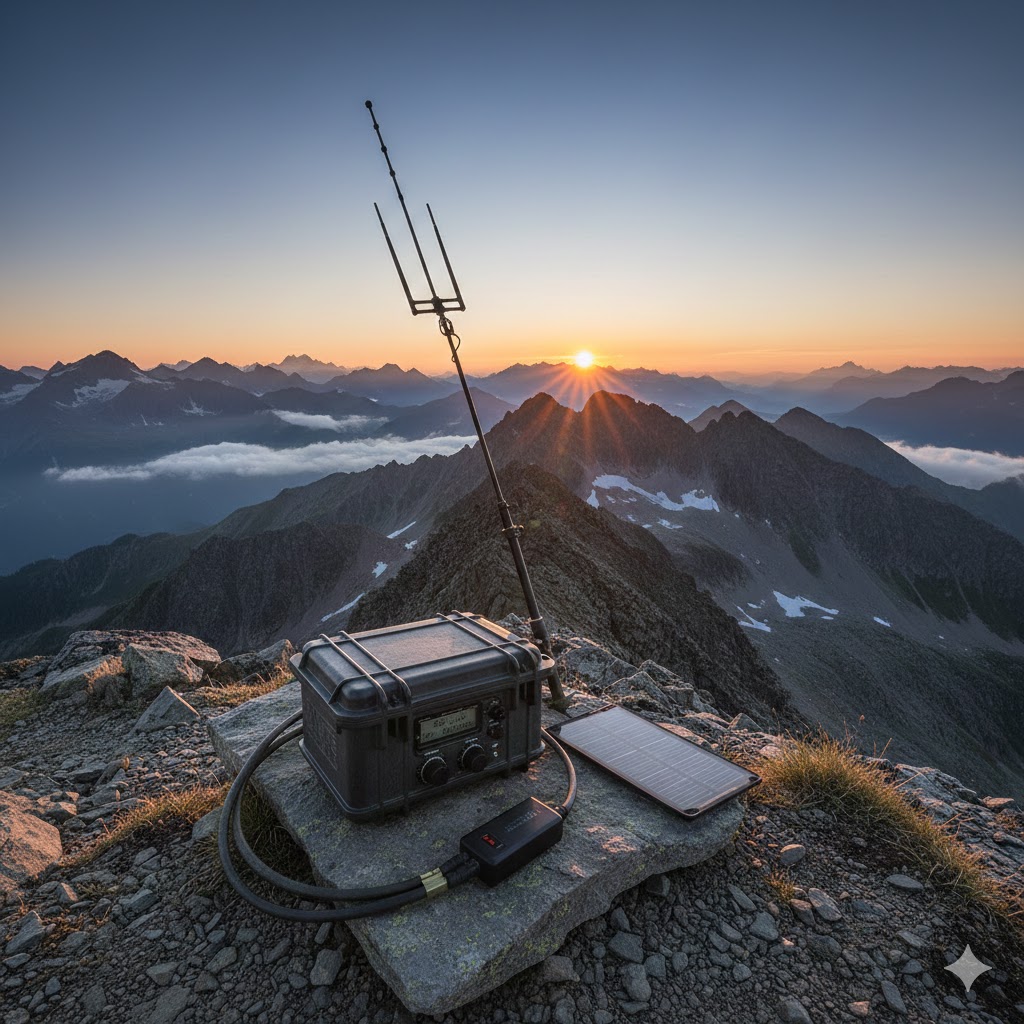
Challenge Description
Below is our read on the challenge. (I’ve pasted the description from the reflector at the bottom.)
Date: 1-Jan-2026 0000 hrs UTC through 31-Dec-2026 2359 hrs (UTC) (All year)
Frequency Band: 2m or 70cm (see frequencies in the tips below)
Modes: SSB or CW (no FM)
Scoring For Activators: Your score will be 1pt/km for each QSO with a unique callsign (per summit) activated within the year, multiplied by the number of unique summits activated.
Scoring For Chasers: Your score will be 1pt/km for each QSO with a unique callsign (per summit) chased within the year, multiplied by the number of unique summits chased.
Radios: See Radio section below in the tips area by N7DA Exchange: RST and location. See below detail and example also in FAQ.
You Must Log Location. The following qualify:
Your or the other person’s summit reference. Chaser's just need to ensure their <MY_GRIDSQUARE> is accurate and the chased summit is sufficient for location of activator. Summit-to-summit chasers don't have to worry, the summit ID is used for location for both stations.
Your or the other person’s 6 digit GRID (example DM12kw)
The grid must be confirmed, not assumed from QRZ or other static source.
Ham2k PoLo developer has released a new version that will expose the grid field on the main page when you are on 2m CW or SSB.
PoLo also exports the ADIF fields <MY_GRIDSQUARE>, <GRIDSQUARE>. See FAQ on one way to confirm grid. (You can confirm post QSO if you forget.)POTA Park of chaser if entered. Yes, I know, they are big and how this will be scored is unknown. See FAQ below to see if we have anything more on this.
WWFF reference.
Lat / Lon Reference: (latitude first, longitude second, using decimal degrees and ‘-’ for West and South). (Let me know if you actually do this)
See the ADIF formats at the bottom
Don't know your location when Chasing? Goto grid.radio with your phone (allow location).
Pro-Tip: After you upload your log, open the log in sotadata and look at the "Distance" column and check for blank entries. It's possible that you fat fingered the grid for that entry (ask me how I know). If you are chasing from home and just log your chase directly into SotaWatch, go into your account by using the pulldown on your login name and ensure your Lat/Lon is correct.
Use of satellites: Approved
File Upload Formats: (See the Reflector Description pasted below for the details) or you can manually upload.
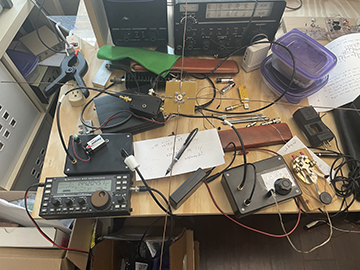

Tips and info from Drew, N7DA
Jargon
Weak signal: is a ham term for non FM modes that have an advantage over FM for DX contacts because a lower signal-to-noise ratio is required. \"weak signal\" = SSB/CW. (WSJT modes qualify, but those use different frequencies.)
single sideband (SSB): radiotelephone mode. AKA phone. Both of these bands use upper sideband (USB) by convention.
2m
2 meter band: 144 to 148 MHz
144.200 MHz national calling frequency for SSB and weak signal
(146.520 MHz is the national calling simplex frequency for FM voice)
Warning: modes other than CW are not allowed below 144.100. (FCC)
144.00 to 144.05 is EME (CW) - don\'t operate here unless doing EME please
144.05-144.10 CW
144.10 - 144.20 EME and SSB
144.20 National calling frequency for SSB
144.200 to 144.275 SSB
144.275 to 144.300 beacons
Please do read the bandplan for more.
Please use our usual FM frequencies for FM
146.58 MHz Adventure Frequency (most commonly used for W6 SOTA/ POTA)
146.55 MHz Backup Adventure Frequency
2 meter SSB
144.200 is the U.S. calling frequency for this mode. Make noise here unless it\'s busy. Tune up a few kHz, like HF, if need to spread out. (A few kHz, not 10s or 100s of kHz.) If it\'s not busy, call here as folks most likely to listen here.
2 meter CW
This is one of the bands without an obvious calling frequency for whatever activity. My recommendation is to call on 144.200 to try to drum up CW contacts. (144.200.700 so that folks listening on SSB mode will hear you.)
We may want to find a separate CW calling frequency for this band. I\'ll do some homework to see if there is established practice. If there isn\'t, then I will propose that we use 144.060 like we do the QRP calling frequency 14.060 and spread up as needed. (Yes, it would be better if it weren\'t 140 kHz away on the dial.)
TODO: convention of tuning up or tuning down if busy? Up for phone and down for CW? Or both up?
70cm
70cm band: 420 to 450 MHz
Does not have the regulatory CW only segment that 6m and 2m have.
432.100 national weak signal calling frequency
70cm SSB
432.100 is the U.S. calling frequency for this mode. Make noise here unless it\'s busy. Tune up a few kHz, like HF, if need to spread out. (A few kHz, not 10s or 100s of kHz.) If it\'s not busy, call here as folks most likely to listen here.
70cm CW
I\'d use 432.100 unless we find enough activity to do otherwise.
TODO: convention of tuning up or tuning down if busy? Up for phone and down for CW? Or both up?
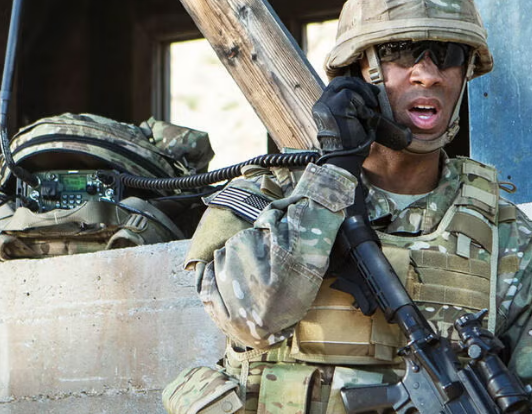
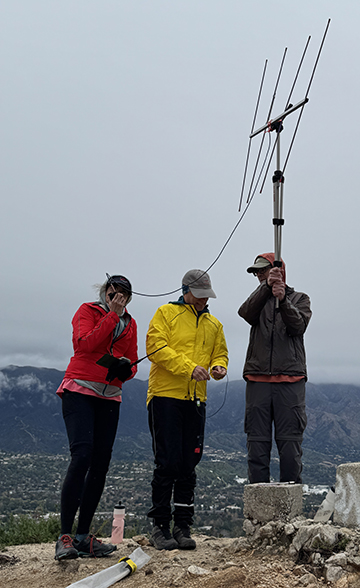
How many hams does it take to make a 2m contact? 🙂
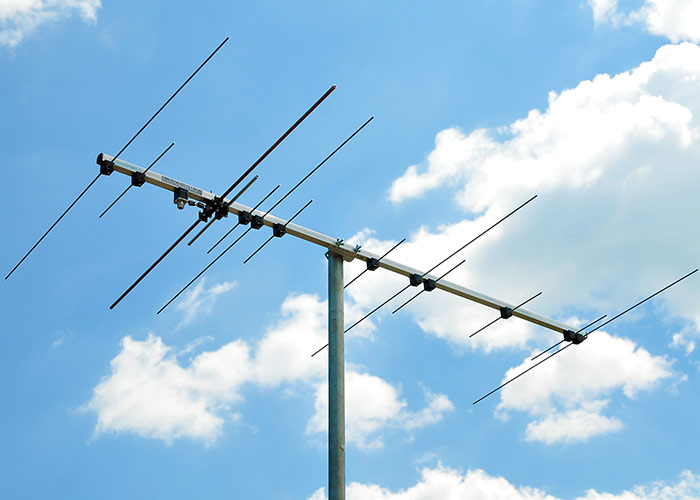
Polarization
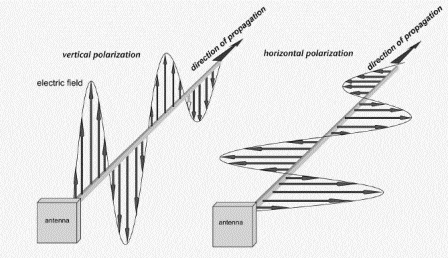
Traditionally, horizontal is for weak signal and vertical for FM.
What does this mean? To best work serious weak signal DXers, horizontal is helpful. That said, not everybody has both polarization of antennas up, so they will use what they have. You should do the same. Try both H and V with handheld whip. Try slanted.
A real-life antenna is never 100% pure polarization. And the channel, everything between the two antennas, will convert some of your polarization more or less.
Just like propagation, learn what really works by doing.
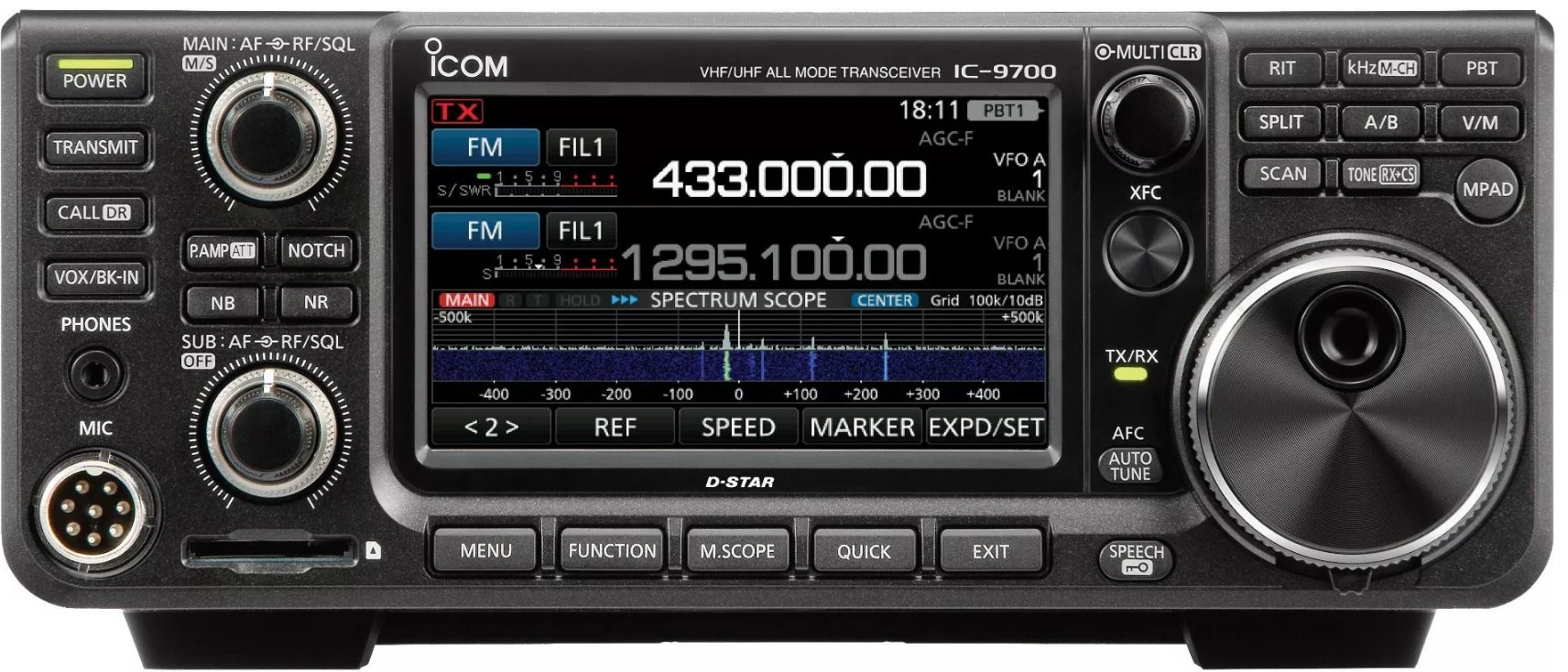
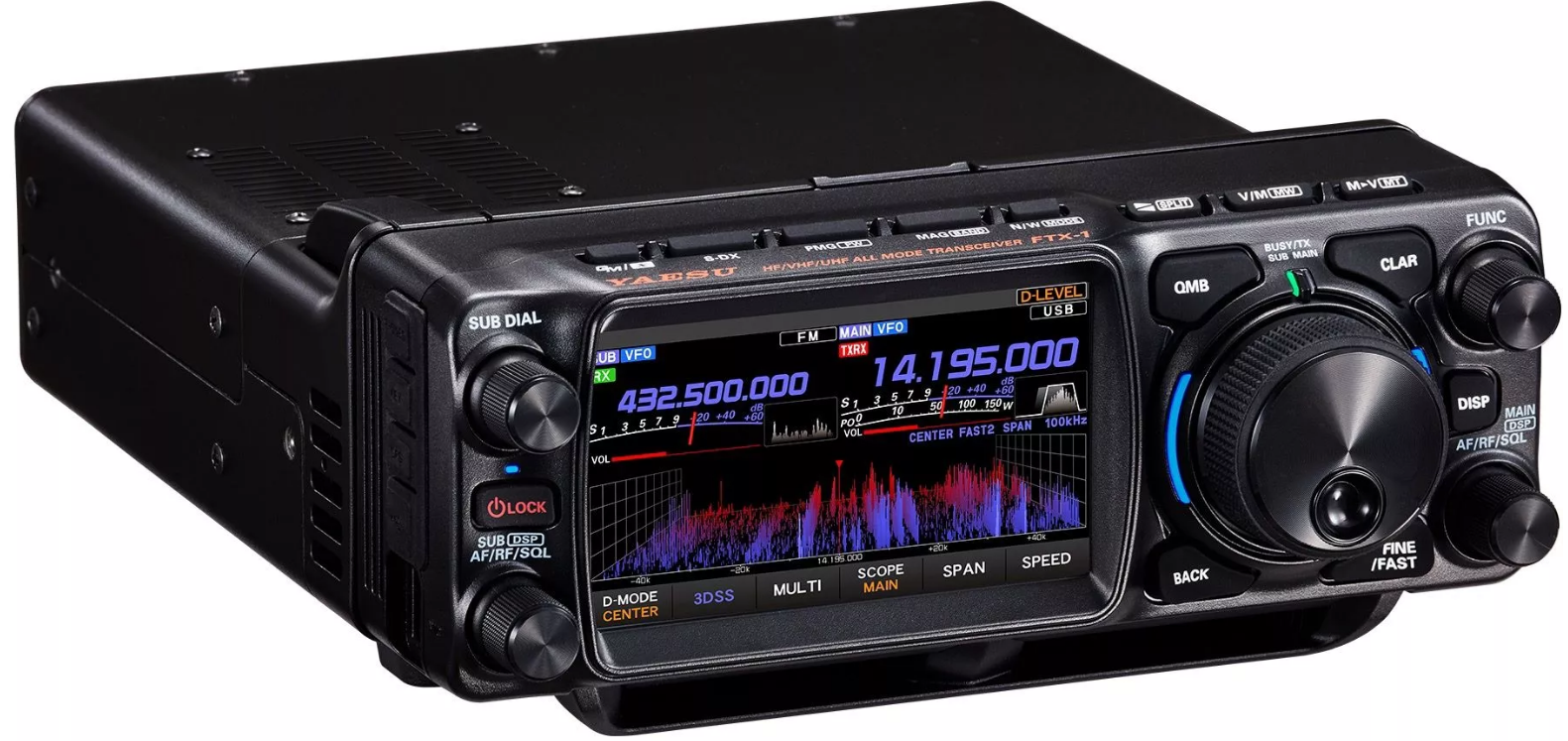
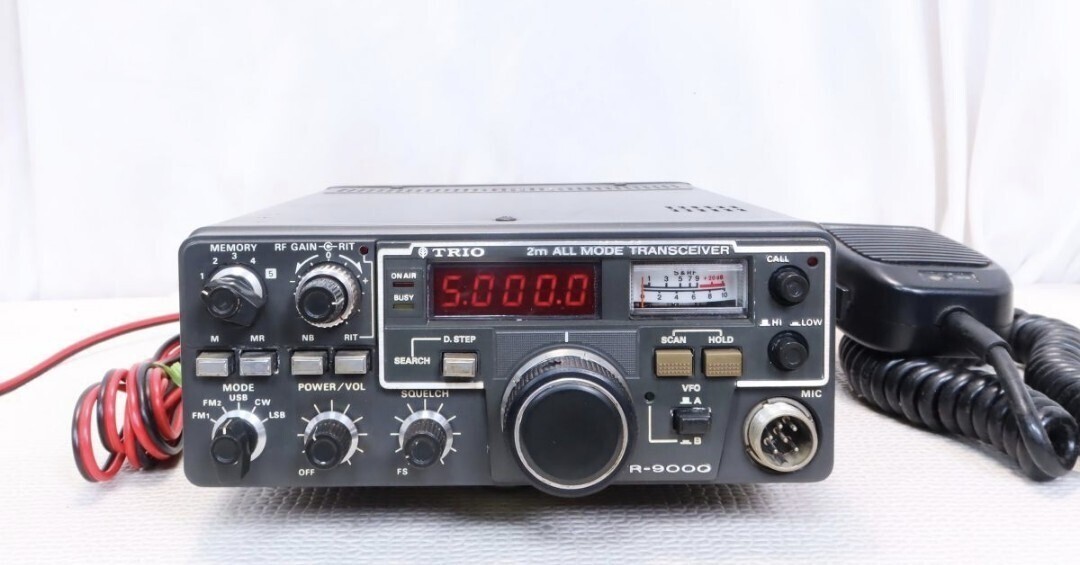
Radio suggestions
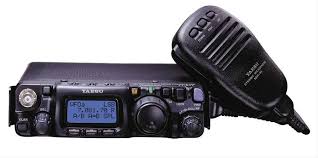
FT-817/FT-818
IC-705
FTX-1
transverter + IF radio
KX3 with 2m add-on
UKR transverter [I have and use this and do recommend.] TODO: add URL
W1GHZ\'s miniverter mark 3 may be worth a look for DIYer (50 mW output)
other vendors
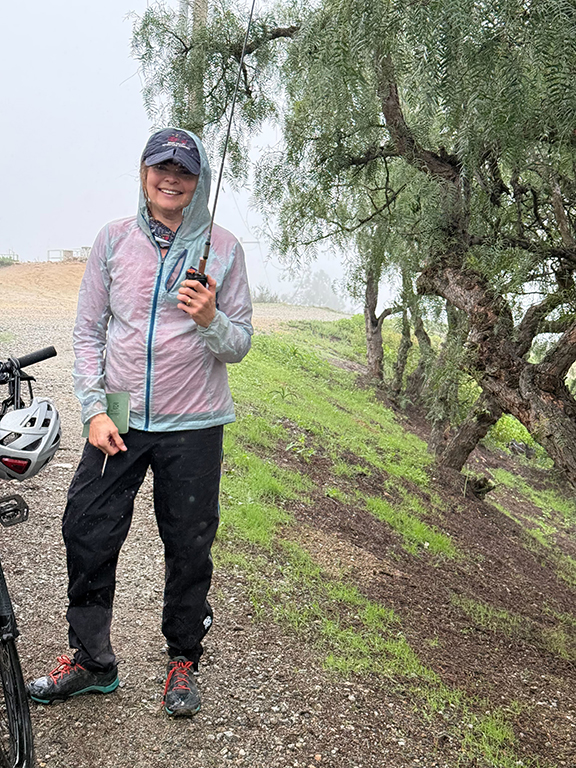
2m all mode HT
a rare find - I’ve seen one!
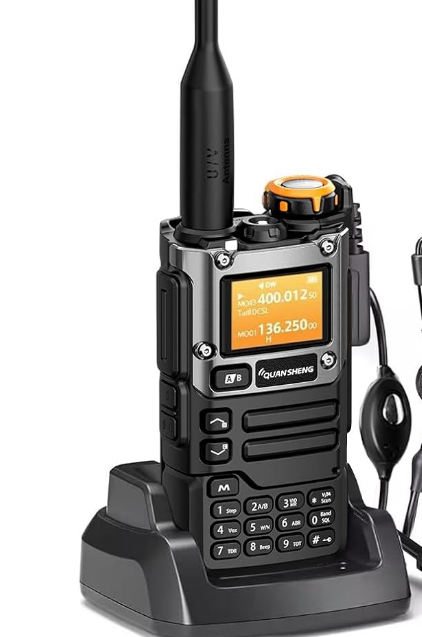
Quansheng modification
Directions exist for modifying both the V1 Quansheng UV-K5 and UV-K6.
Brian NR7Y has now provided directions for modifying the newest K1 radio
Antenna suggestions
monoband v dualband gain/directional v non-gain/not directional
whatever you have - highly recommended!
whip
half wave jpole
full wave loop
ground plane
half wave/jpole (roll up jpole is popular!)
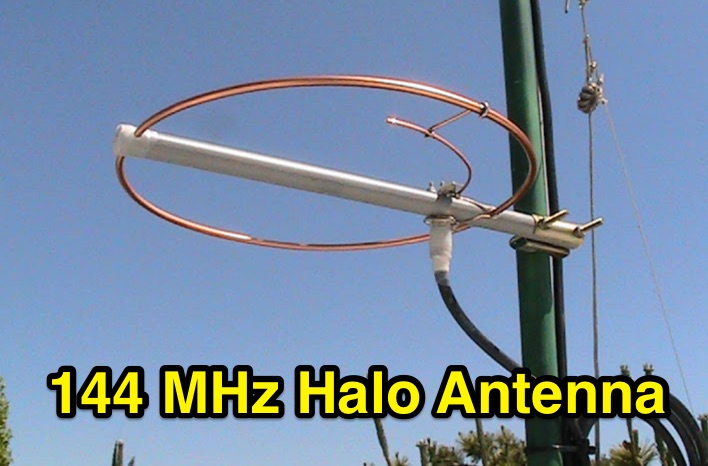
halo/squalo (compact, and can be rugged)
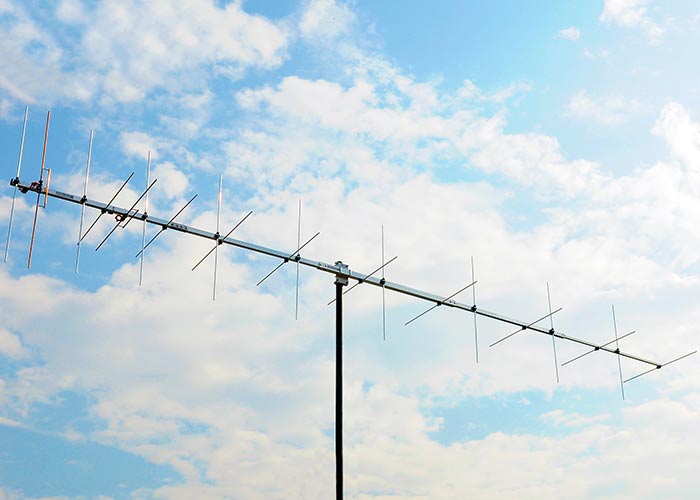
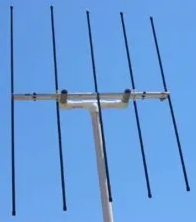
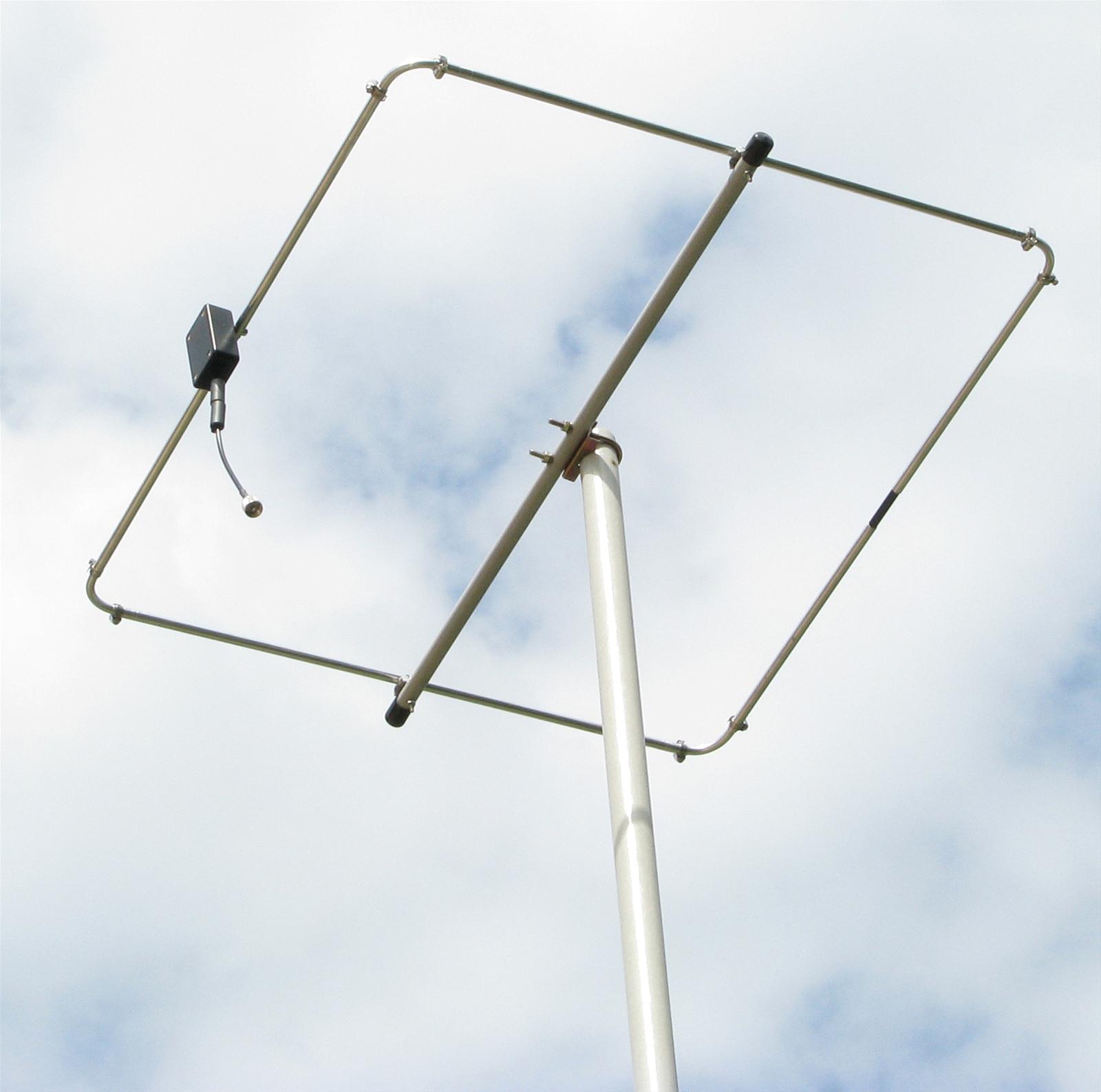
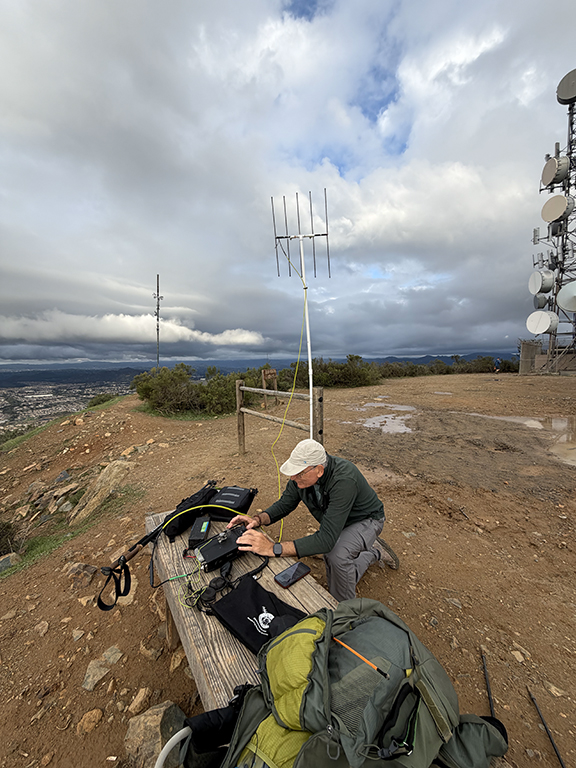
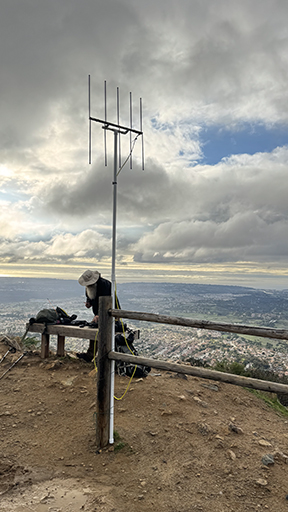
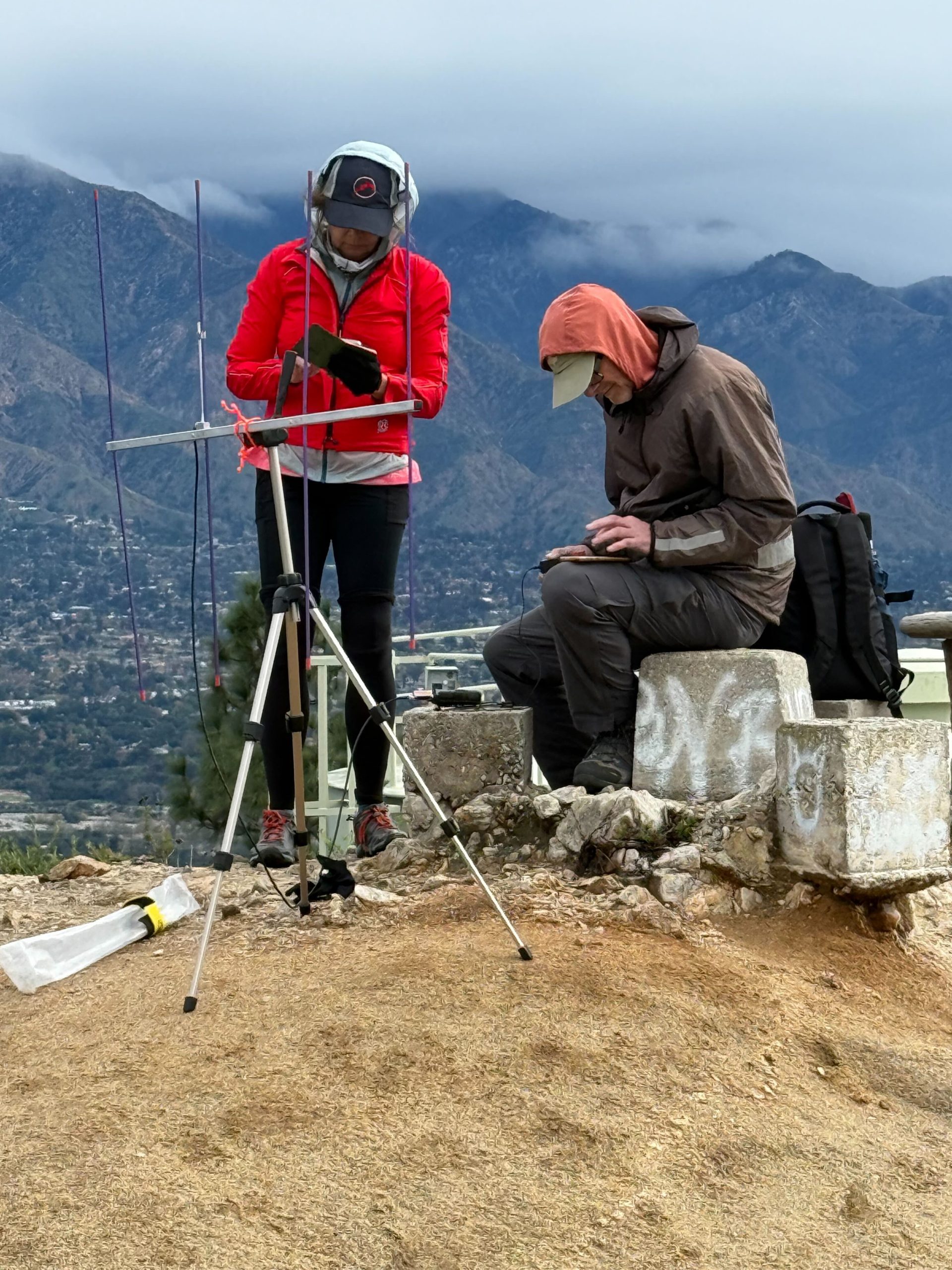
yagi/quad
shorter 432 lashes on the outside of a pack nicely
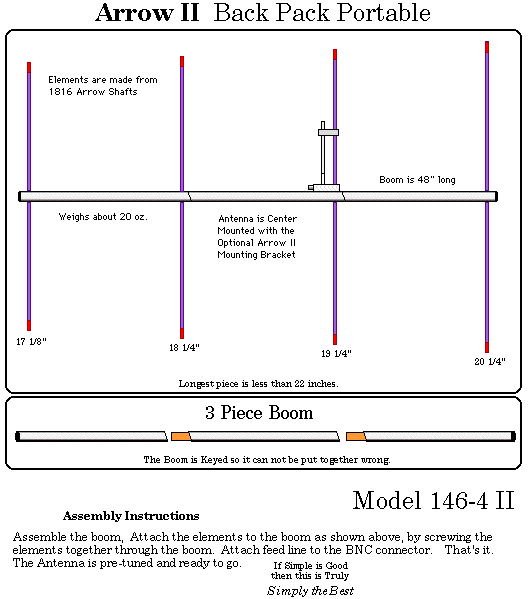
Arrow - backpack antenna designs pack down nicely
several DIY backpack designs
Arrow Antenna shipped direct to you. 🙂
big wheel
turnstile
Build an Extended Double Zepp
Many others! lol
Making the contact
Terrain and the troposphere are really more important than TX power or antenna gain. Terrain and tropospheric ducting can help or hinder. (See also tropospheric scatter, meteor scatter, etc.)
I’ve learned from 10 GHz contesting that it’s always worth trying a path to see if it can work. I hope to learn what works for 2 m and 70 cm this year!
Events
Events are a great way to find more SSB/CW activity.
ARRL January VHF https://www.arrl.org/january-vhf
January 17-19, 2026 - 1900 UTC Saturday to 0359 UTC Monday
VHF spring sprints https://sites.google.com/site/springvhfupsprints/home/2026-information
144 MHz Monday April 13, 2026 2300z to 0600z (4 hour limit)
432 MHz Wednesday April 29, 2026 2300z to 0600z (4 hour limit)
ARRL June VHF https://www.arrl.org/june-vhf
June 13-15, 2026 - 1800 UTC Saturday to 0259 UTC Monday
CQ VHF https://cqww-vhf.com/
July 04-05, 2026 - 1400 UTC Saturday to 1400 UTC Sunday
70cm not part of the contest
ARRL 222 MHz and Up Distance Contest https://www.arrl.org/222-mhz-and-up-distance-contest
August 1-2, 2026 - 1800 UTC Saturday to 1759 UTC Sunday
2m not part of the contest
VHF fall springs
TBD (September - October time frame)
No need to turn in an event log. These are about promoting activity. (Organizers do like to get logs, but not required to participate.)
Nets
Bozo net https://bozonets.com/
SoCal:
Sunday 7p 144.240
Wednesday 7p 144.240
Thursday 7p 432.120
Central & NorCal
Sunday 730p 144.240
Wednesday 730p 144.240
Thursday 730p 432.100
AZ SWOT net https://az-swot.net/ https://www.swotrc.net/
Sunday 8a MST 144.250
Beacons
I looked and found a list, but not sure how up to date it is. If you can confirm any useful within W6, please let me know.
So far confirmed active reports received for:
Bay Area - W6MTF 144.293 CM87vu 10 W vertical 1500 ft asl (reported by KI6SYD)
Tehachapi - N6NB 144.294 DM05sb 60 W yagi pointed NW (heard by KC8YEK on W6/NC-191 late 2025)
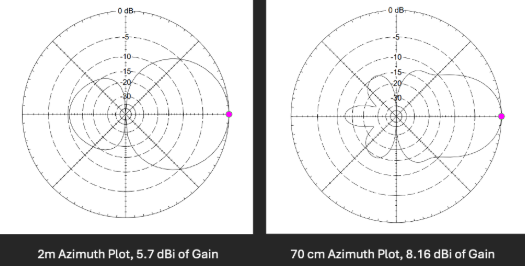
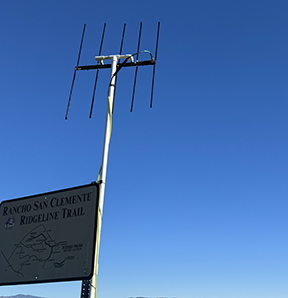

FAQs
Below are the FAQs that we have so far.
<chris to fix this>
Q> How many digits do I need for the grid square?A> 6, ex: "DM12kw"
Q> Can I just use QRZ for the person’s grid square?
A> Confirm during the contact they are at their QRZ QTH (they may be traveling)
and then you can. No, you cannot just assume they are at that location.
Q> For S2S on VHF SSB or CW do I need to worry about the other person's location info.
A> No, the summit ID will be used by the system.
Q> I don't know my current grid, how I get it?
A> Go grid.radio with your phone (allow location).
Q> How do I ask for or confirm grid.
A> If you use PoLo, the GRID will just come up, being pulled from QRZ. When using SSB, just say
"PLEASE CONFIRM DM12kw" for example. For CW, I'll send the grid with a "?"
or send "GRID?" a couple of times. No reason you can't confirm post QSO as well.
Q> If I activate a summit more than once this year, what happens to challenge points?
A> Your unique summit count doesn't change but you can add unique callsigns with distance to that summit for more points. If you work the same station as a previous activation this year, only the longer distance is recorded.
Q> If I chase the same operator on the same summit more than once this year, what happens?
A> It's similar to the above, your points won't change. But, if you are farther away, you get the highest distance of the unique set.
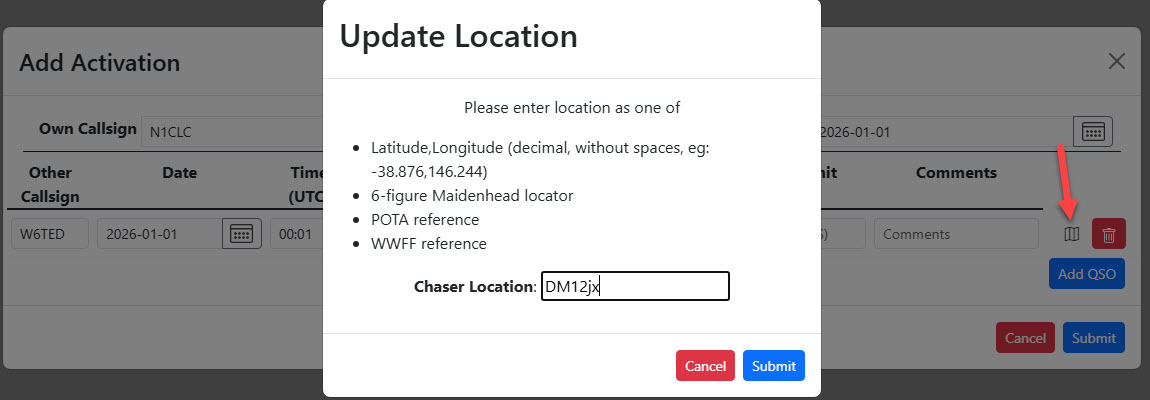
Q> I log on paper and then to SOTAData, how do I enter the person's location?
A> Click on the little map icon to the right to enter location or POTA/WWFF (image below).

Description from SOTA Reflector
A number of people have asked about whether we will be having a challenge in 2026, and I am pleased to say on behalf of the SOTA MT, that, yes, we will be having a challenge. The purpose of challenges typically is to encourage activity on under-utilised bands or modes. This year, this band and mode combination made up less than 1% of all QSOs logged by activators, and so we are choosing to make the challenge…
2m/70cm SSB/CW
The MT believes this provides a great opportunity for interesting QSOs in the coming year. Many activators and chasers will have access to equipment already for these bands and modes - whether the old faithful FT-817 and FT-857s or newer options like the 2m option for the KX3, the timely CW modification to the cheap and cheerful Quansheng handhelds or the ubiquitous 2m transverter kits available on various auction sites for relatively low cost. Many antenna options are available, whether lightweight yagis, hentennas, oblongs, quads, flowerpots or J-poles (slim or otherwise). Many propagation modes are available. This should provide an interesting and challenging year for each individual participating, where the activators and chasers will have their work cut out to make QSOs under different conditions and via different means.
Scoring format
Given that SSB and CW are considered useful as DX modes on these bands, points will be awarded based on distance, number of summits activated and unique callsigns logged in an activation.
Activators
Your score will be 1pt/km for each QSO with a unique callsign (per summit) activated within the year, multiplied by the number of unique summits activated.
Chasers
Your score will be 1pt/km for each QSO with a unique callsign (per summit) chased within the year, multiplied by the number of unique summits chased.
Example
An activator climbs a summit, VK0/AA-123, and makes four contacts on 144MHz SSB, with VK0ABC, VK0DEF, VK0GHI AND VK0JKL. Each of these contacts is 110km, 120km, 80km, and 90km respectively. For this summit, they will receive 110+120+80+90 = 400 summit points. They have climbed 1 summit, so their total points is 400x1 = 400 points. They then climb VK0/AA-456, and make another four contacts, VK0ABC, VK0DEF, VK0GHI AND VK0MNO on 144MHz, and one contact with VK0ABC on 70cm. Each of these contacts is 210km, 220km, 280km, and 290km respectively. This is a new unique summit, so each distinct callsign for this summit counts for points - so 210+220+280+290 = 1000 points. The second contact with VK0ABC does not count for points. After two summits, their points tally is now (400 + 1000)x2 = 2800 points.
Finally, they go back to VK0/AA-123 and make another two contacts, this time with VK0PQR over a distance of 300km, and with VK0STU, who does not provide a location. VK0STU does not provide a location, so no points will count. As VK0PQR is a new unique callsign for the summit, this is now added to their score for VK0/AA-123, so their points score for the summit is now (400 + 300) = 700 summit points. Their total points score is (700+1000)x2 = 3400 points.
Entering location data
For QSOs to count, the location of the chaser must be provided (the activator location is of course the registered summit location that they are activating), and details exchanged as part of the QSO. If a chaser chooses not to provide their location, activators must not obtain it from other sources like QRZ. This information can then be entered in several different ways:
S2S entries
The position of both activators is known, nothing needs to be entered other than the summit references.
Activators
ADIF format
Using any of the <LAT> / <LON>, <GRIDSQUARE>, <POTA_REF> or <WWFF_REF> fields to a QSO record will add location data automatically, in that priority order (if multiple are specified).
FLE format
Adding the grid reference after a ‘#’, or including the POTA or WWFF references as part of the record will add location data automatically, in that priority order (if multiple are specified). I don’t believe there is a way of specifying lat/long pairs as part of the FLE format (other than to follow the approach for CSV files below)
CSV format
The SOTA CSV format has supported location entry for a while, although the format is perhaps a little cryptic unless you chase Microwave awards. Within the comment field, you can specify either lat/long using %QTH%-12.3456,123.4567% (latitude first, longitude second, using decimal degrees and ‘-’ for West and South), or you can specify a grid reference using %QRA%AA22bb% instead.
Manually
If you edit an upload, you can select the relevant activation QSO and select the “Map” icon at the end of each QSO row to add in additional location data, either as lat/long, grid reference, POTA reference or WWFF reference.
Chasers
ADIF
Using any of the <MY_LAT> / <MY_LON>, <MY_GRIDSQUARE>, <MY_POTA_REF> or <MY_WWFF_REF> fields to a chaser record will add location data automatically, in that priority order (if multiple are specified).
CSV
Similar to activators, within the comment field, you can specify either lat/long using %QTH%-12.3456,123.4567% (latitude first, longitude second, using decimal degrees and - for West and South), or you can specify a grid reference using %QRA%AA22bb% instead.
Manually via SOTAData
There is now a field on the Chaser upload dialog for location data. By default, this will be populated with the latitude and longitude taken from your SSO profile (if present). Please make sure you have your latitude and longitude around the right way…
Manually Via SOTAWatch
There is now a field on the Log Chaser button for location data. By default, this will be populated with the latitude and longitude taken from your SSO profile (if present). Please make sure you have your latitude and longitude around the right way…
References
regulatory allocations: http://www.arrl.org/graphical-frequency-allocations
band plan: http://www.arrl.org/band-plan
TASMA (regional frequency coordination) band plan for 2m: https://www.tasma.org/wp-content/uploads/2025/08/Band-Plan_02Aug2025docx.pdf
SCRRBA (regional frequency coordination) band plan for 420-440: https://www.scrrba.org/BandPlans/420-440.pdf
Modification History
2026-01-01 N1CLC - Added note about satellites.
2026-01-02 N7DA - minor format clean, elaborated FAQ answer
2026-01-02 N1CLC Note on thatyou don't need to enter grid fo S2S).
2026-01-02 N1CLC How to get your grid in FAQ
2026-01-03 N1CLC Added exchange section at the top and example in FAQ.
2026-01-06 N1CLC Added the date for clarity.
2026-01-08 N1CLC Pro-tip regarding blank distances due to bad grids.
2026-01-12 N1CLC Added to the pro tip to update your lat/lon in your sotawatch account.
2026-01-19 N1CLC Added FAQ
2026-02-02 N1CLC Added FAQ on manual entry.

A team article by:
Chris Claborne, N1CLC
Drew Arnett, N7DA
Carol Bruegge, KE6SRN
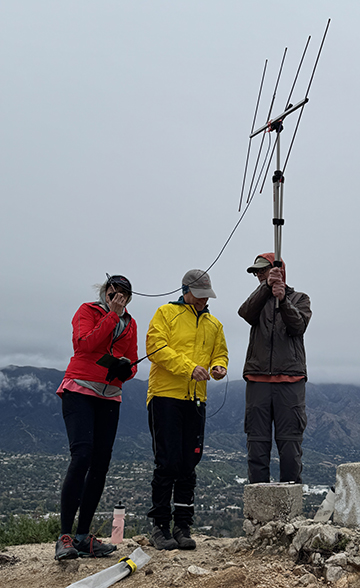
Click on any image to go though gallery.